SECURE
Anchor · 1.1840 THz
Vigil · 2.9625 THz
Qirk’s Graveyard · 1.1869 THz
No main-Layer PvP. The arena has its own combat rules. Faction NPC combat remains available outside protected areas.
01 / ENGAGEMENT · PILOT FIELD GUIDE
Sector Class sets the PvP rules. Your Squadron identifies your allies. Sensors acquire the contact. You decide which weapons and orders will carry the engagement.
The Nexus is tuned to every Frequency and stands at the exact center of every system map. Each exact four-decimal Frequency identifies a Layer extending from that shared hub. Your Vault and Hangar remain available because the Nexus is the same place across them.
Anchor · 1.1840 THz
Vigil · 2.9625 THz
Qirk’s Graveyard · 1.1869 THz
No main-Layer PvP. The arena has its own combat rules. Faction NPC combat remains available outside protected areas.
Ember · 3.8470 THz · CONTESTED
Drift · 4.1135 THz · FRINGE
Chorus · 5.2840 THz · FRINGE
Other pilots can be opponents. Matching nonzero Squads and ordinary safety protection still apply.
Null Reach · 8.9065 THz · HOSTILE
Known by name, but Astronav travel is disabled. Discovery and access will come in a later update.
A Squadron, or Squad, is a separate four-digit pilot membership. Choose the same nonzero number as your friends while fully docked at the Nexus. 0000 means solo. Squad membership survives ship changes and Layer travel. Members retain their friendly-fire protection and can use Squad chat anywhere in the game. Stasis retains its existing area effect, including on its owner and nearby Squad members where combat effects are permitted.
A Layer address never changes your allegiance to its NPC faction. Astronav changes your Layer; the Nexus’s Squad control changes your Squadron.
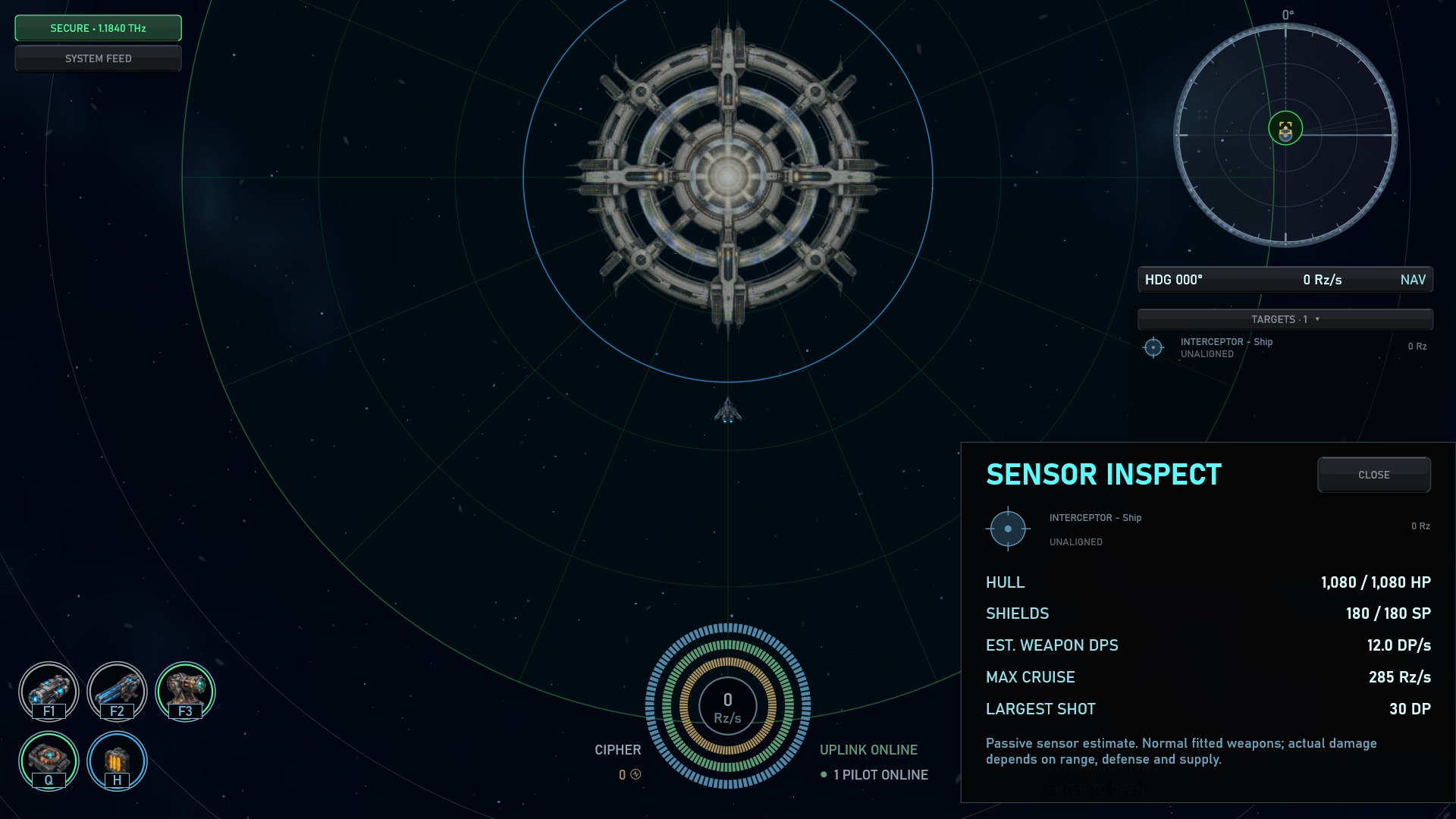
Choose Inspect on the contact’s right-click wheel. Passive sensors estimate current/maximum Hull HP and Shields SP, fitted weapon DP/s, normal maximum cruise speed and the largest shot. It does not acquire a lock, fire or raise an alert. Hidden, out-of-range and other-Layer contacts cannot be inspected.
Potential output assumes weapons can operate. Ammunition, capacitor, range, cover and defenses decide actual damage; a capital Forge’s single railgun shot is a danger an average alone cannot explain.
For a safe rehearsal, dock at Anchor’s Training Grounds and choose Duelist. It mirrors your current ship and supplies, starts both copies fully ready, and uses the weapons and abilities it actually has fitted. Your original ship returns unchanged afterward. F12 opens the in-game activity guide.
Open Ship and inspect Hull HP, Shield SP, capacitor MJ and your installed weapons. Confirm that physical weapons have ammunition. A weapon’s fitting LOAD and its operating energy cost are different limits. Keep cargo room for salvage.
The System Feed announces Scrap Raiders near a named waypoint. Click the report’s waypoint to approach. Raiders are already hostile, so helping local traffic does not need a faction-attack confirmation. Civilian Wayfarers are different: attacking them can bring powerful defenders.
Find the contact in Targets or right-click its ship and choose Target. Wait for sensor acquisition, or queue your weapon assignment while it completes. Focus that target and use its weapon controls or the action-rack hotkeys. Check the lock and firing state before closing the distance.
Right-click the contact and choose Approach to Range, Follow at Range or Orbit at Range. Pick a preset distance, Weapon Range, or edit a custom range. The NAV console keeps the current command visible; you can replace it whenever the situation changes.
Low shields, a draining capacitor or a second hostile contact can change the fight. Adjust your range or leave before Hull HP runs out. Destruction loses the active ship; stored Hangar ships and your Pilot Vault are separate.
Hover a loot container in space for a short contents summary. Approach within 1,000 Rz to open it, then hover equipment for its full rolled stats. Containers expire ten minutes after creation. Empty boxes disperse in a small effect; orange-strapped pods identify jettisoned cargo.
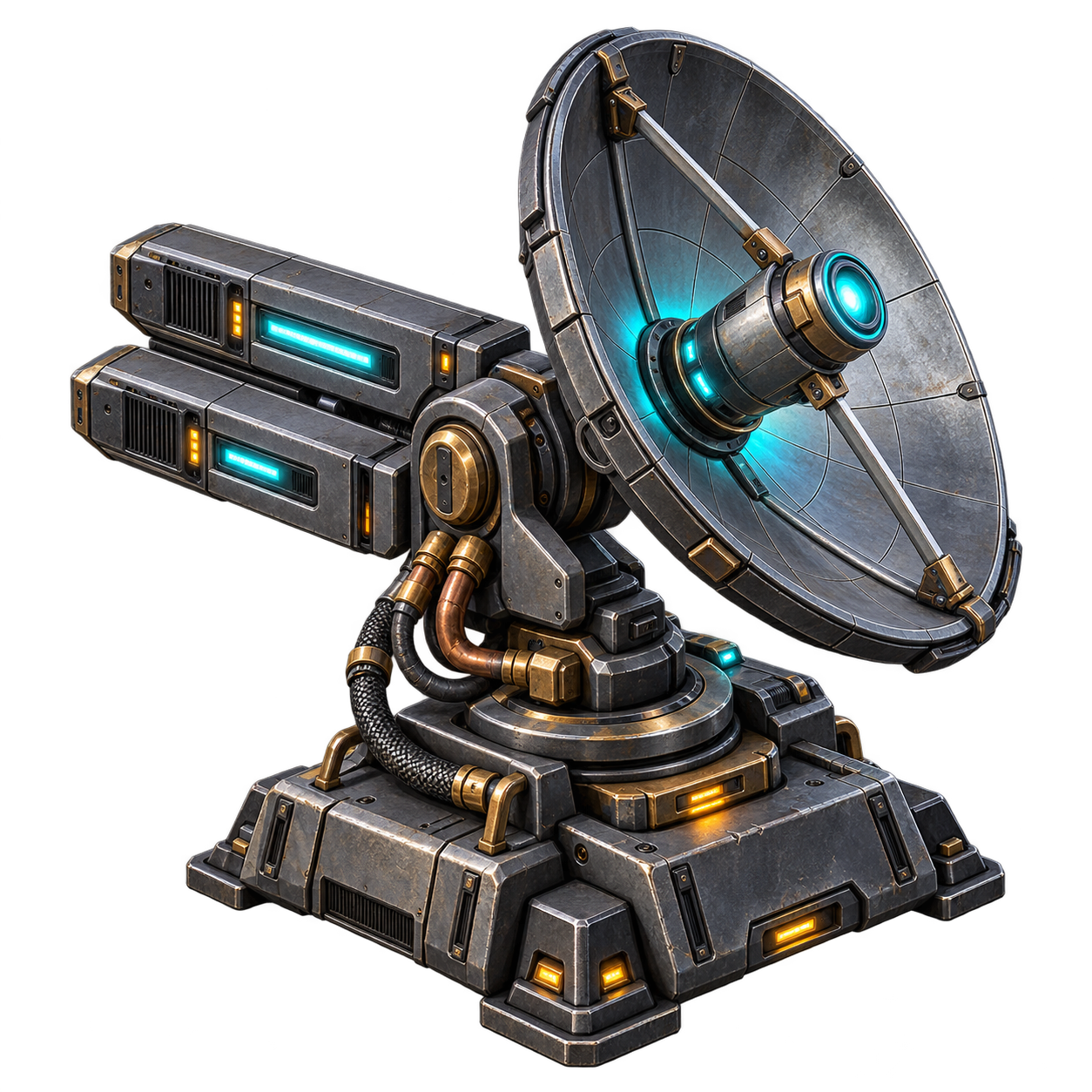
Your fitted sensors determine what you can detect, how many locks you can hold and their acquisition time. A contact in the list is not automatically selected. Yellow target cards are acquiring; ready lock indicators turn cyan. Focus chooses where your next order goes; it does not cancel orders on other targets.
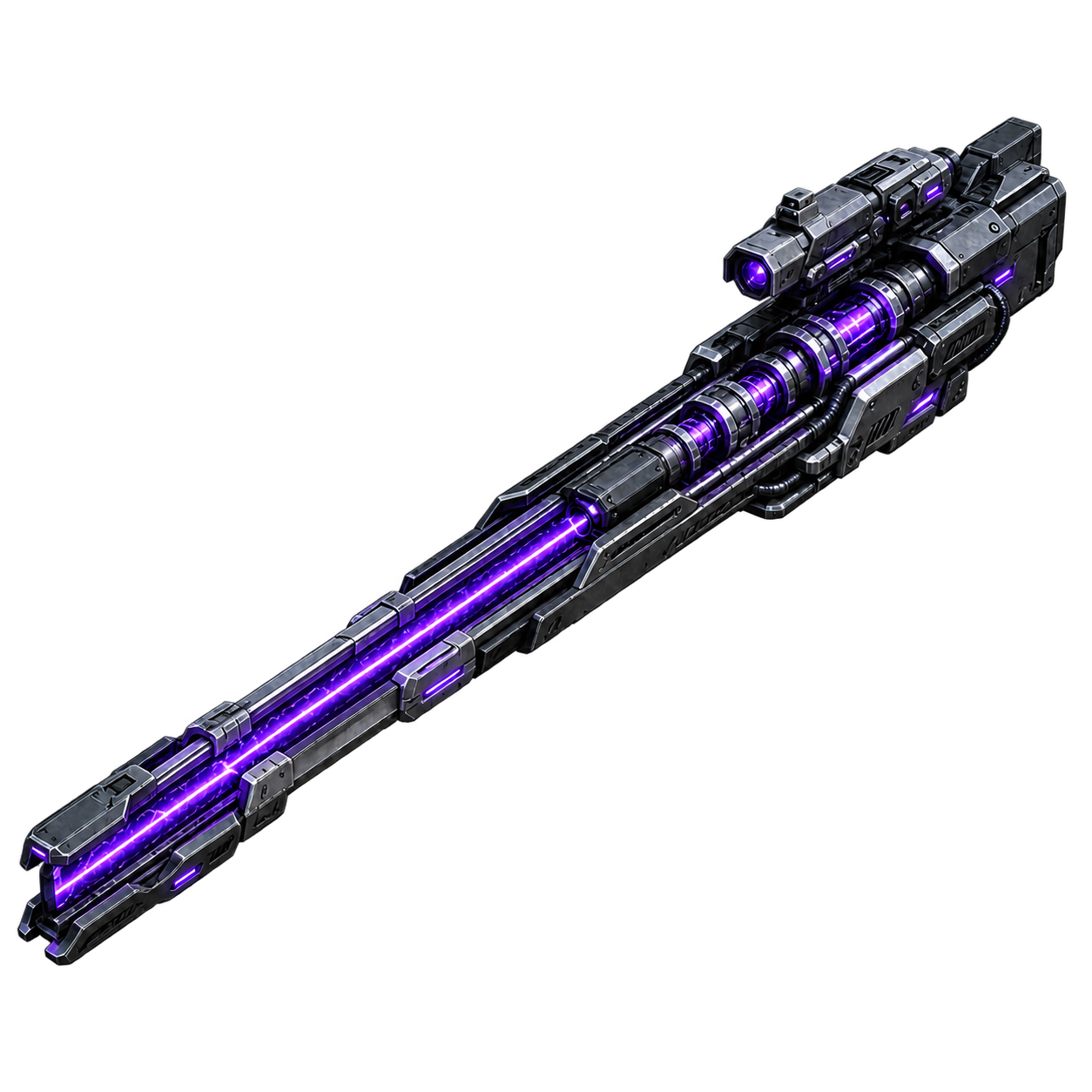
With a target focused, A assigns applicable weapons or miners, and S stops every weapon and mining assignment, across all targets. F1–F10 toggle matching hardpoints; drag weapons on the Weapons screen to change their order. F first selects a new hostile contact, then loot or an asteroid when a Mining Laser is fitted, then the closest remaining contact. It never fires a weapon. You can split weapons between contacts. Space is All Stop, not fire.
A selected target may be outside weapon range or still acquiring. Assigned weapons also need their own cooldown, ammunition, capacitor and a legal target. A remembered assignment is not proof that shots are currently firing. Compare the weapon’s range with the contact distance and check its action control before blaming the lock.
Weapon Range chooses a useful stand-off distance based on your fitted weapons; it is not a guarantee that every weapon can hit from every position.
Escape Combat, also on the grave/tilde key, chooses a course away from known hostiles and periodically reassesses it. Weapons retain their assignments for a fighting retreat unless you stop them. Once the server reports combat has ended, the order becomes Cruise on the current heading. You can replace it yourself sooner.
Merely selecting a target does not put you in combat. Armed weapons against an eligible nearby opponent, actual attacks and hostile pursuit can establish an engagement. Reaching a harmonic field ends current combat while NPC hostility can remain. Successful docking fully clears your current-Layer faction alert, warnings and pursuit. Defeating the last opponent can also end the engagement.
Regular faction NPC combat is available in every Layer, including SECURE sectors. On your first weapon activation against a neutral faction ship, choose Attack or Cancel. The warning also covers Activate All. Confirming permits the attempt; your ship is registered hostile on the current Frequency only when a shot actually fires, even if it misses. Waiting for a lock, range, energy or ammunition does not raise the alert.
Once alerted, you can continue without repeated prompts. Existing alert timers and local response rules apply. Docking fully clears the episode, including pending offensive effects: you can undock in the same ship neutral again. Pirates and hostile instance enemies do not require this neutral-faction warning.
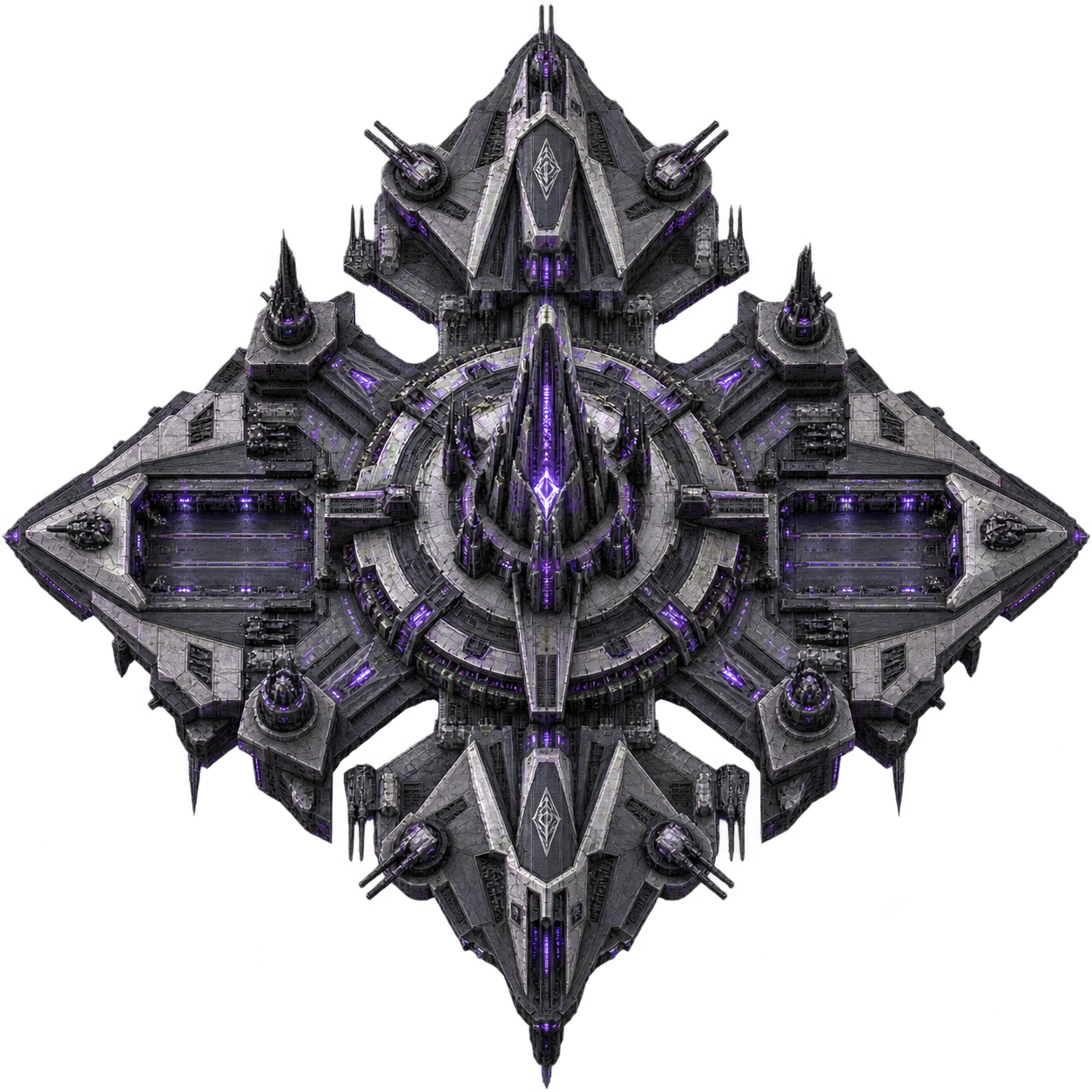
Entering the Nexus harmonic field immediately breaks machine contact and pursuit. It does not erase the faction alert; docking or normal expiry does. Leaving the field can expose you again.
Faction Forges have no blanket combat immunity. Neutral pilots can dock within 1,400 Rz; alerted pilots cannot. Warning guns reach 6,500 Rz and lethal railguns reach 3,000 Rz. Concord, Synod, Combine and Order also punish attacks on neutral visitors within 6,500 Rz. Covenant and Directive defend their faction assets without policing visitor fights. Defending against an alerted aggressor is permitted. SECURE Layer PvP restrictions remain independent. Faction doctrines and security →