Layer badge & feed
The top-left button shows Sector Class and the actual four-decimal Frequency. Hover for the Layer name; click for the map. System notices beneath it explain important events.
PILOT FIELD GUIDE / COCKPIT
Learn where the important information lives, then let the cockpit get out of your way.
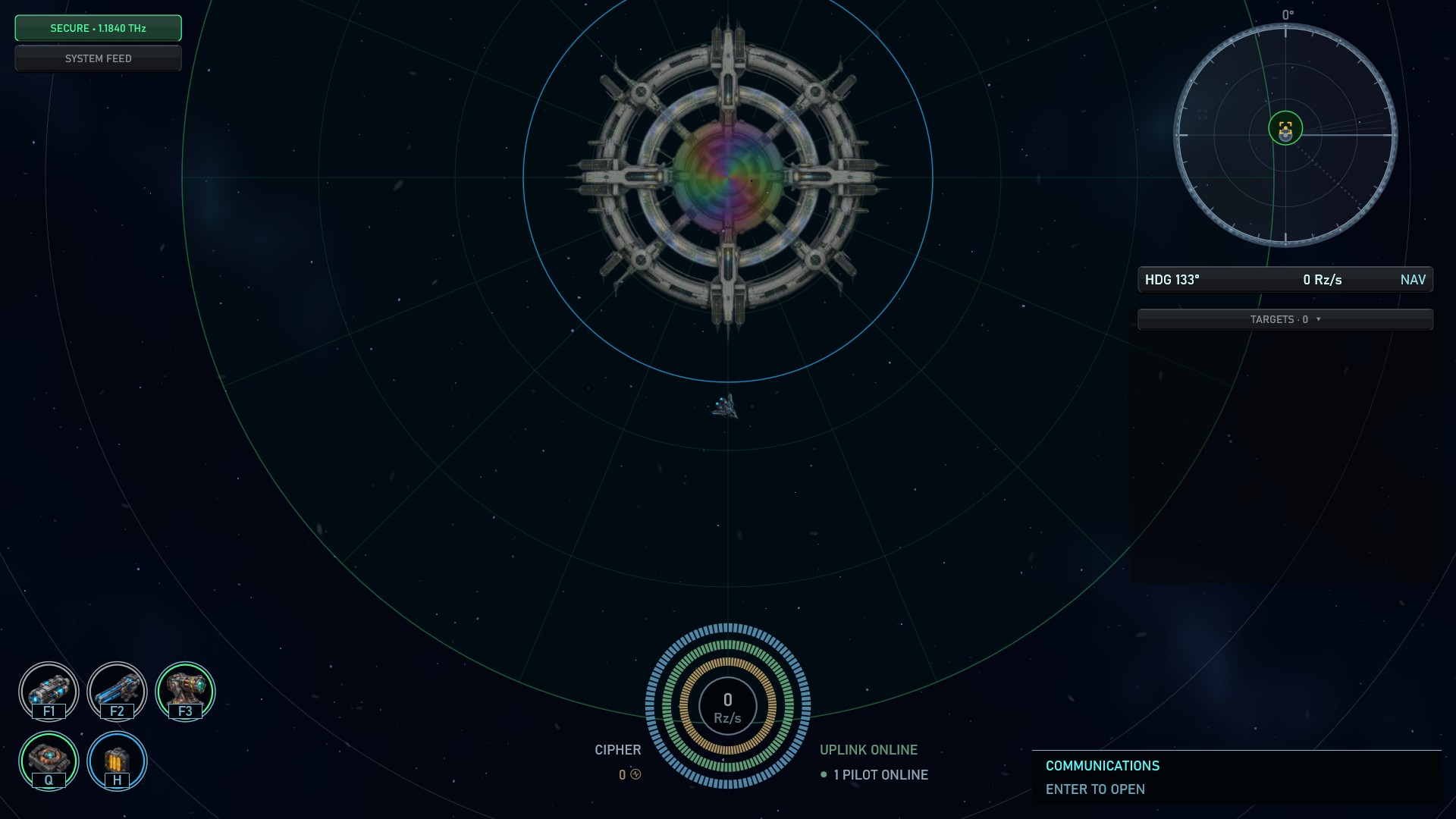
The top-left button shows Sector Class and the actual four-decimal Frequency. Hover for the Layer name; click for the map. System notices beneath it explain important events.
Detected contacts are not necessarily selected targets. Right-click for the action wheel; Inspect is passive. Number keys and Tab control target focus; hardpoint keys control weapon assignments.
I opens Ship Info, Y goes straight to Cargo. K opens independent Pilot Knowledge with Frequency, Blueprint and Burst Wallet tabs. Review fitting totals, Ship Systems, weapons and stored items. Learn data in place, compare gear and check whether it fits before committing.
N opens navigation. M opens the current map. G opens Astronav; inter-Layer departure requires full Nexus docking. In a Rift, the navigation flow includes Escape Rift.
Enter opens the composer; Tab cycles destinations. O lists online pilots. PIN attaches a waypoint. The companion cockpit can put persistent chat and maps on a second display.
At the Nexus, Pilot Knowledge and Astronav are top-level destinations alongside your Vault and Hangar. A faction Forge provides the equipment shop and Shipyard. Trading Posts handle resources, player listings and a Station Shop with the same item cards and inspectors used by inventory. Anchor’s Station Shop sells Qirk’s tuning for 1 Burst.
Selling equipment deposits Burst; recycling yields materials. NPC shops refuse blueprints and tunings rather than silently discarding them.
Permanent enemies such as pirates appear red. Calm faction ships appear blue; faction ships or independent scavengers that are aggressive toward you appear pink. Calm scrap collectors use muted green, derelict wrecks gray and loot gold. Target lock and focus indicators use cyan and stay separate from a contact’s behavior.
F selects a new hostile contact first. With none available, it selects the nearest loot container or asteroid (asteroids require a fitted Mining Laser), then the closest remaining contact. Existing selections and your sensor lock capacity are respected. Selection and passive Inspect do not activate weapons.